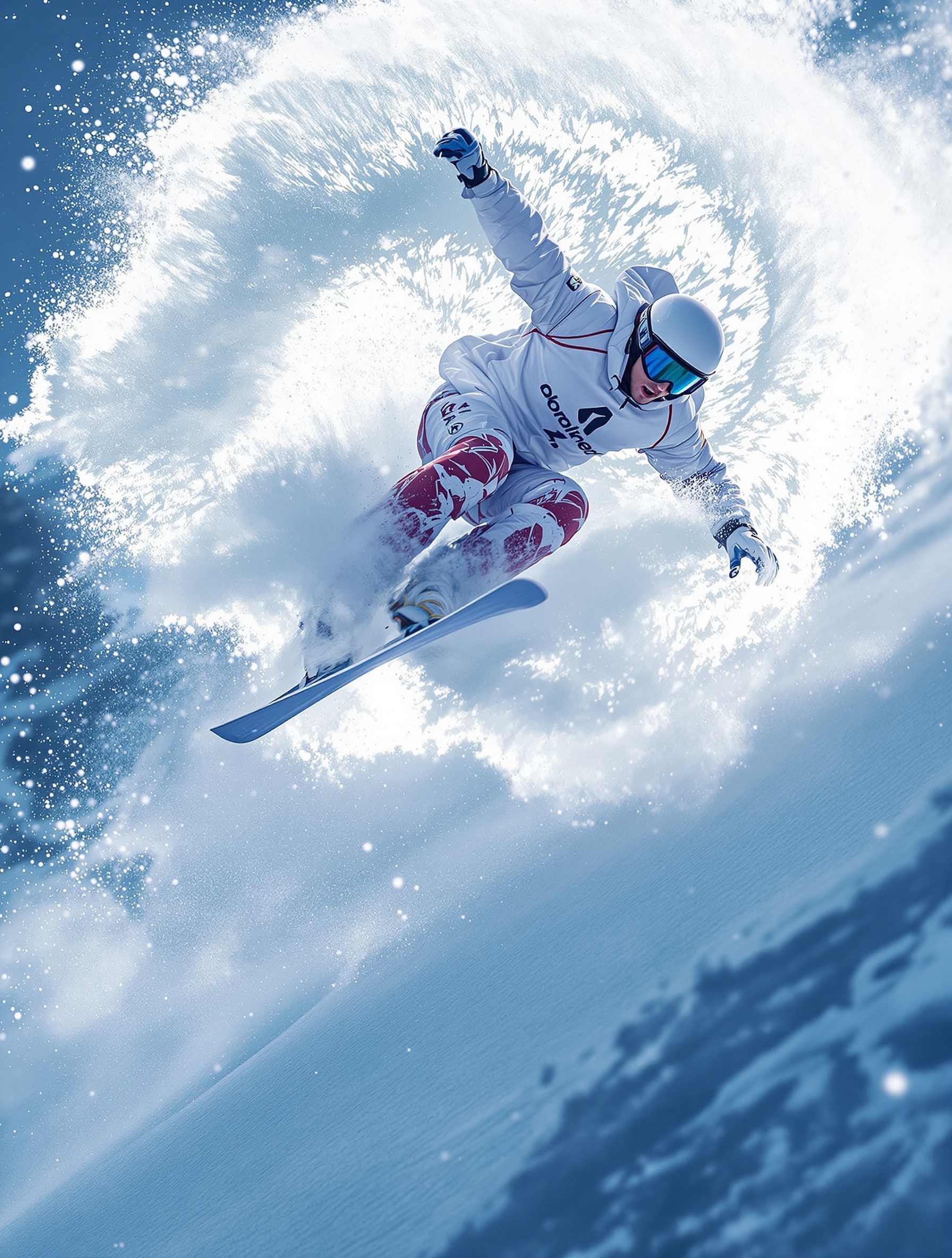
Create an image from just your description. Elloia will transform it to professional prompt and generates image(s) for you. Or create an image with the help of our Prompt Guide or Prompt Library, which builds and enhances the prompt based on your instructions.
You do not need to sound like a prompt engineer to get a strong visual. With Create image+, you type what you want in plain language—mood, subject, setting, a weird little detail—and Elloia turns that into a clear, professional prompt before anything is generated. That is the quiet win: you stay in creative mode while the tool handles the fiddly wording, so you move from “picture in my head” to actual image(s) without losing the afternoon to comma placement and mystery modifiers.
If you like a bit more steering (or you are the type who enjoys a good structured brief), Prompt Guide and Prompt Library are there to build and sharpen what you ask for step by step. Think of it as a friendly editor that keeps you honest about lighting, composition, and intent—without making you memorize a thesaurus of model-speak. For a pitch deck hero shot, a social concept test, or a client moodboard, you get outputs that feel intentional rather than accidental.
Why teams notice it: marketing and agency work is full of half-formed ideas that still need to look polished today. Create image+ closes that gap—fast exploration when you are brainstorming, tighter control when you are refining.
Bring your next line of thinking into Elloia, let it shape the prompt, and see what comes back.
Your turn: describe one image you need this week and let Create image+ do the heavy lifting—you might finish before the coffee goes cold.